About this extension
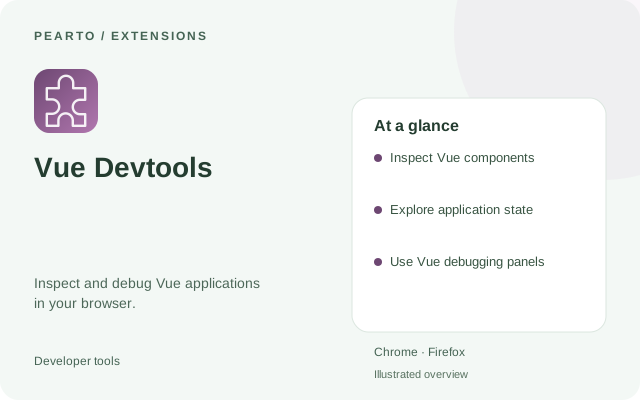
Explore Vue components and application state. Consult the official documentation for the extension version that matches your Vue application.
Inspect a Vue application using tools designed for Vue components and state. Its official documentation helps you choose the extension version that fits your project.
Key features
- Inspect Vue components
- Explore application state
- Use Vue debugging panels
How to install
- Select Get extension to open the official project or publisher page.
- Choose the listing for your browser and add the extension.
- Open a compatible Vue application and find the Vue panel in browser developer tools.
Requirements
Desktop Chrome or Firefox.
Good to know
Choose a Devtools version compatible with the Vue version used by your application.